View Attendance
Review historical attendance records, investigate lateness or leave patterns
View Attendance
Purpose: Check which staff were present, absent, or on half day along with clock-in/out times and remarks.
- Go to the Attendance tab under the Staff section.
- Click on any specific date in the calendar to see attendance records for that day.
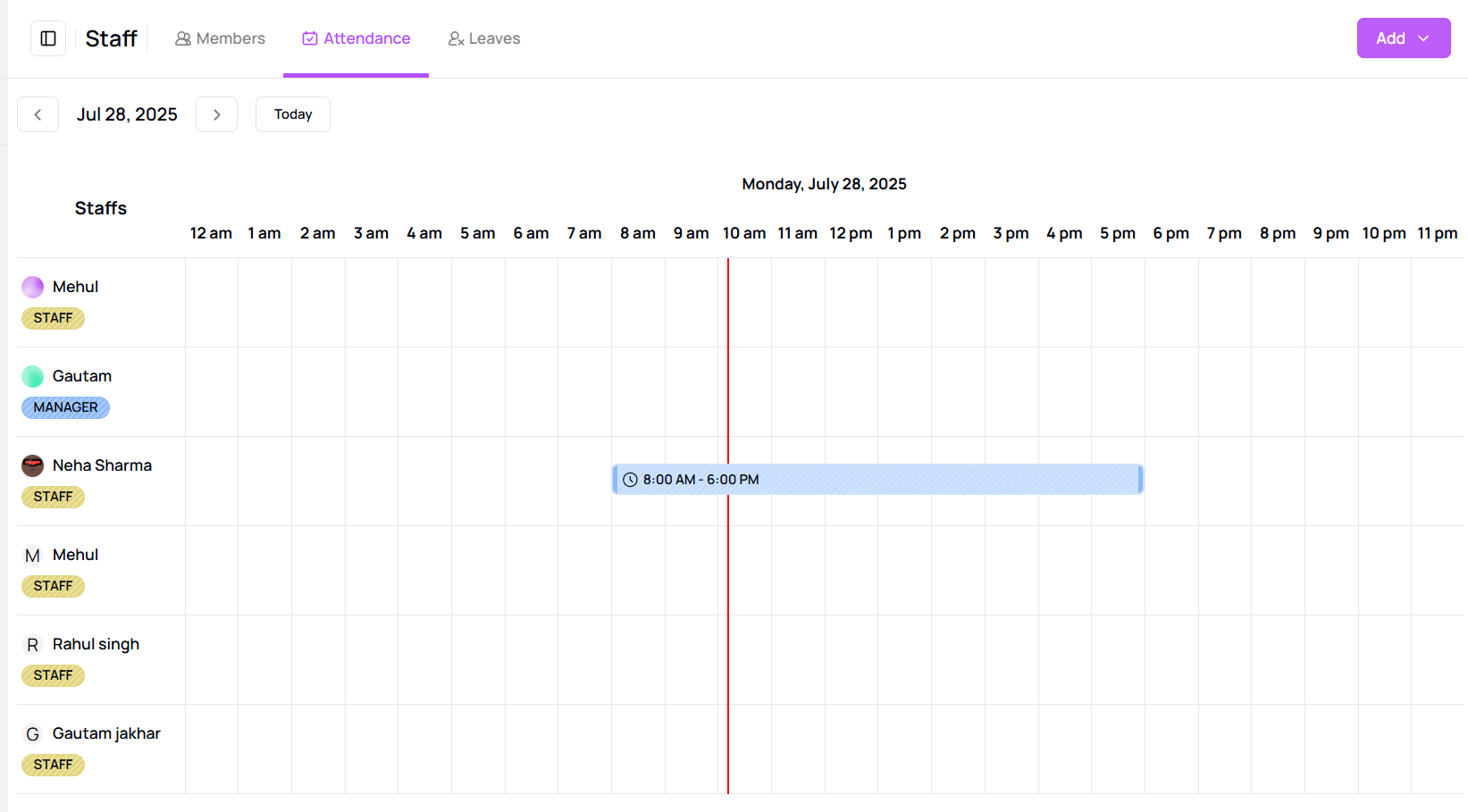
- You will be able to see who was Present, Absent, or on Half Day, along with their Clock-in/out times and Remarks.
- Click the cancel icon to exit the view.
Tip for First-Time Users:
Quickly track attendance history and ensure transparency in staff management.
More questions about this
Q1. Can I view attendance history for a past date?
Yes, simply click on the desired past date in the calendar to see attendance records.
Q2. Can I filter by staff or attendance type?
Currently, you can view all records for a selected date, filtering options may be added soon.